Advertising packages
Two ways to get in front of the buyers already planning trips on the map. Most operations want the first one — it promotes your sale, and you set it up yourself in the app.
Most operations start here
Promotion Kit
$200 · one month
Promotes your own sale — added to your listing in the app.
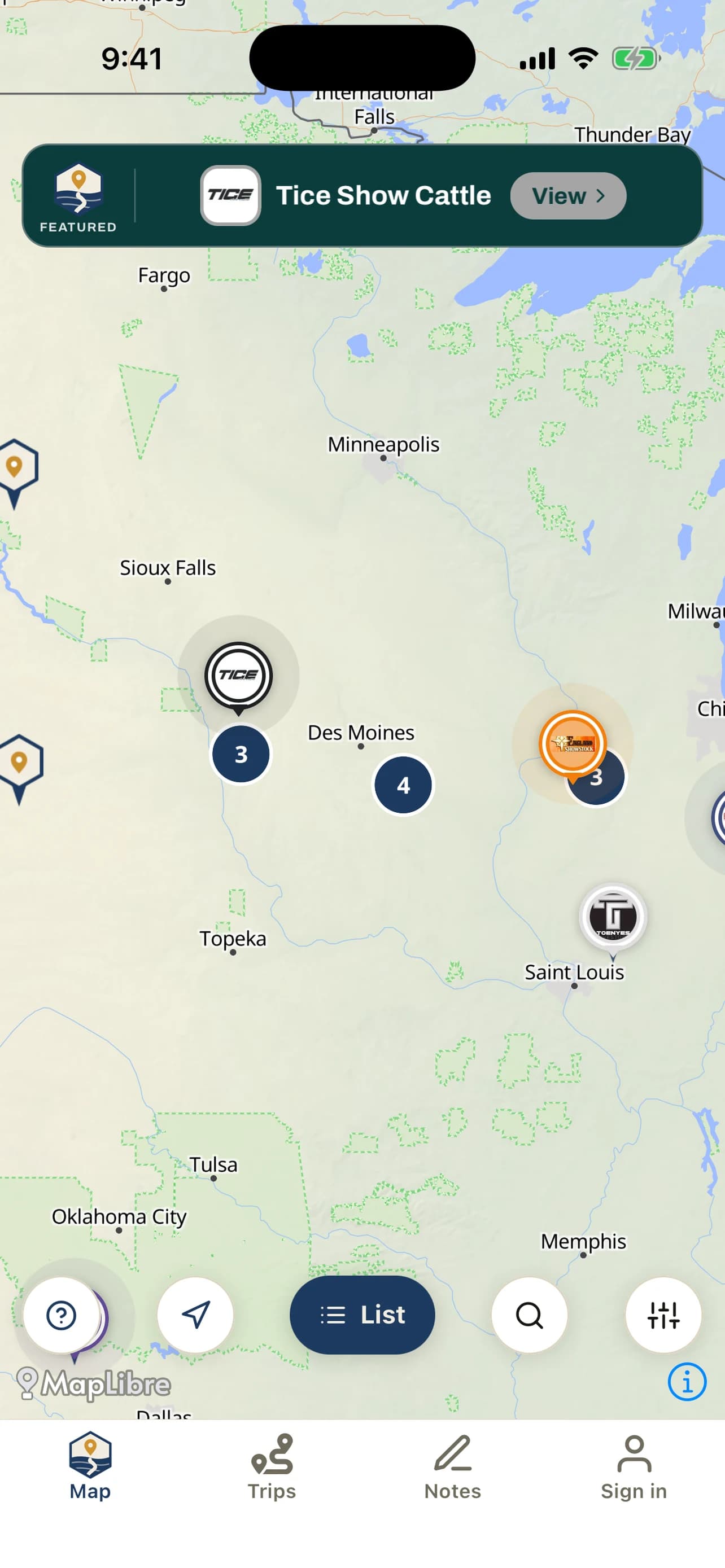
- Your banner across the map — A featured banner buyers see while they plan their sale runs.
- Your logo on your map pin — Your brand marks your operation, not a generic dot.
- Your colors on your listing — Your listing page picks up your brand’s accent.
- Buyers across the nation notified — A push goes out nationwide when your featured sale goes live.
How to get it
- 1. Download ShowNav and create your account.
- 2. List your sale — $300 for the year, as many sales as you run.
- 3. At checkout, tick Add the Promotion Kit. That is it — you pick your colors and logo in the app straight after.
Already listed? Open the app → My listing → Promote.
Seen by every buyer
Title Page Sponsor
$500/month
Puts your brand in front of every buyer — not only the ones shopping your sale.
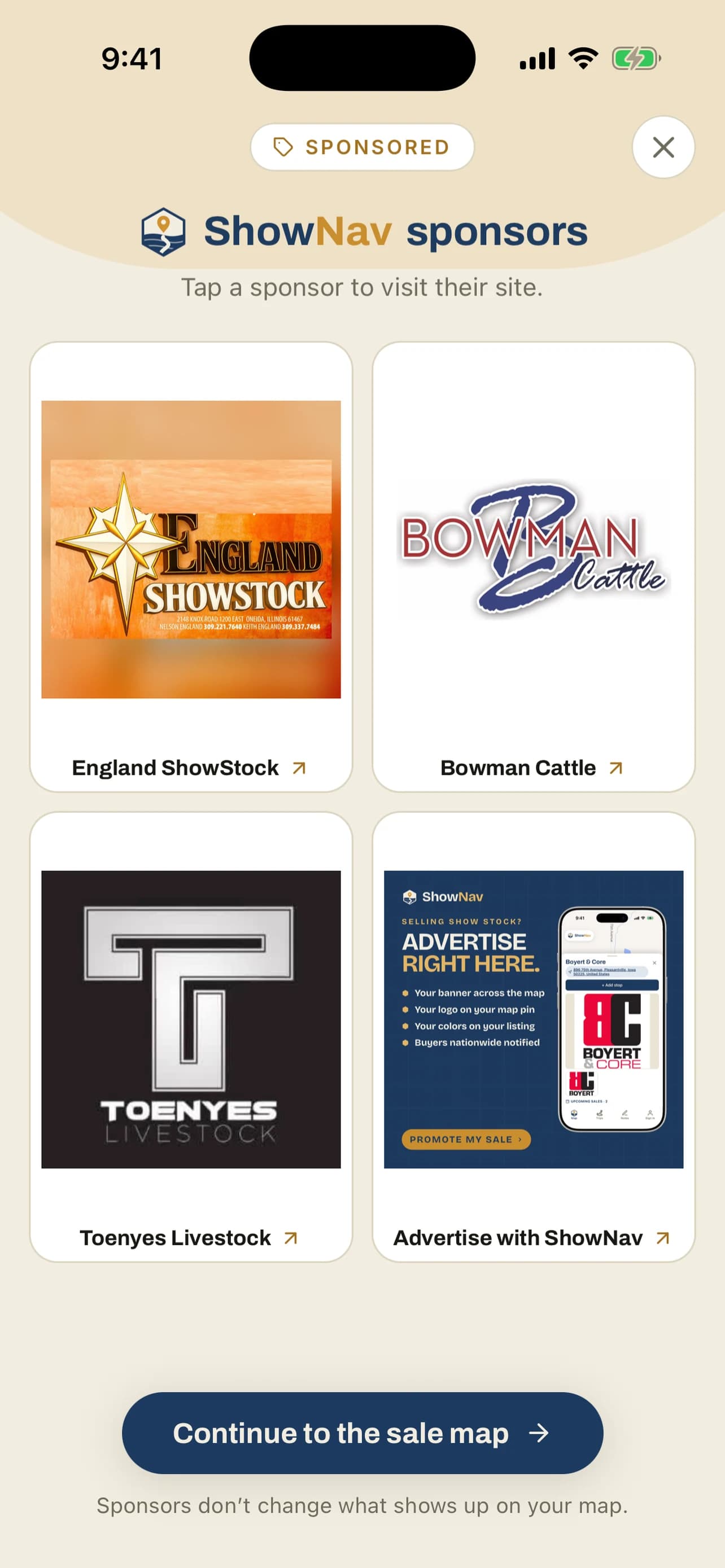
- The screen every buyer opens on — Your logo on the sponsor page shown when ShowNav opens.
- The homepage wall — The same placement on shownav.app.
- Your link, not ours — The tile opens your site, your sale bill, your catalog.
How to get it
Tell us your operation and the dates you want — a human replies, usually the same day, and collects your logo and link.
Request a sponsor slot →Not sure which fits? If you are promoting a sale, it is the Promotion Kit. If you are promoting your operation or your business, it is the Title Page Sponsor. Plenty of operations run both.